Overview
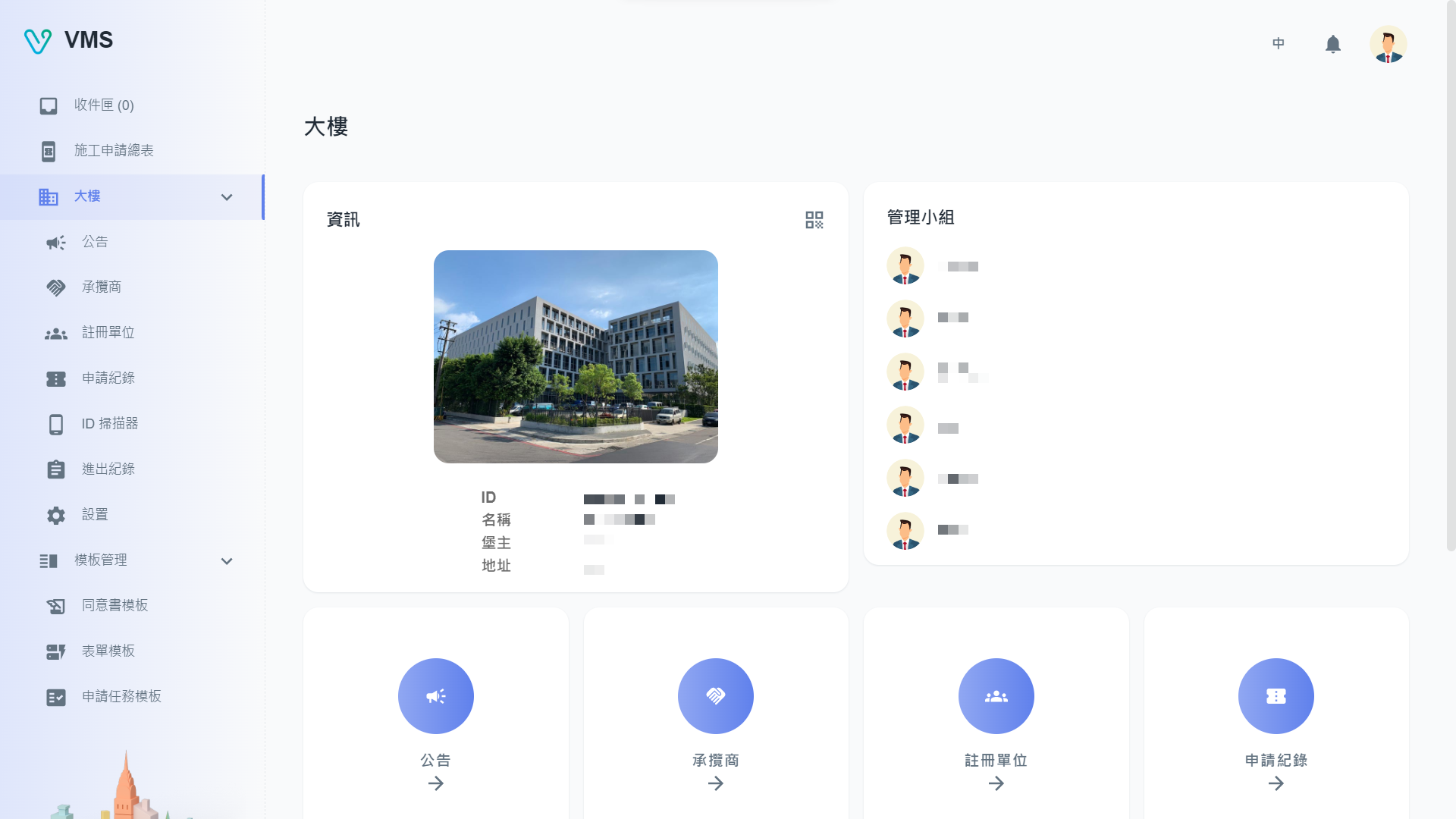
What is Building Manager?
Building Manager (BM) is the central hub of the VMS platform, designed to help property managers efficiently oversee their buildings and operations. With BM, users can take advantage of a wide range of features, including:
- Contractor Management
- CRUD of contractor & personnel
- upload attachments
- entry pass Qrcode
- track qualifity status for license expired date
- Template Management
- customized forms in task-template
- customized questions & approvers in form-template
- User Management
- create user/ admin role to maintain service
- In/ Out Records
- Announcement Management
- easily release announcement to all your tenants
- edit with WYSIWYG Editor
- status control
- ID Scanner Management
- CRUD of ID Scanner
- Entry records of scanner
Some of the specific features available in the BM portal include the ability to create, update, and delete contractor and personnel profiles, upload relevant attachments, and generate entry passes with QR codes. Users can also track license expiration dates to ensure contractors are properly qualified.
The template management functionality allows users to create custom forms and tasks with specific questions and approvers, while the user management tools enable administrators to create and manage user accounts and roles to suit their needs.
In addition to these core features, BM also offers robust announcement management capabilities, allowing users to easily create and publish announcements to all tenants, with WYSIWYG editing and status control options. Finally, the ID scanner management feature enables administrators to manage ID scanners and keep track of entry records for added security and accountability.