Give the right person the right BM access
Use User Management when an administrator needs to add, update, or remove a BM account. Every user should verify their email before using restricted building actions.
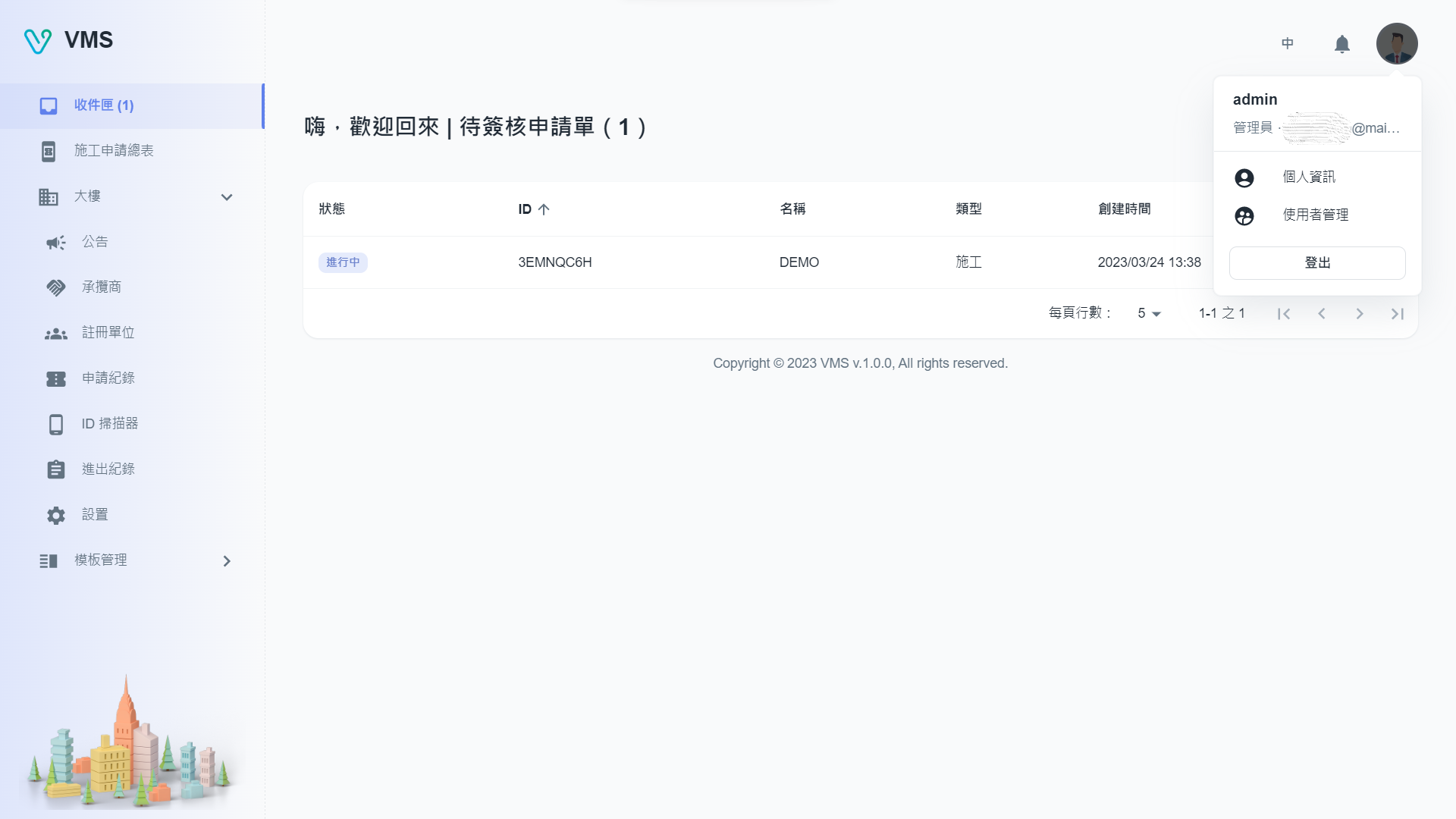
Update your own profile
- Select your avatar, then choose User Info.
- Update your name, email, or password and save. The profile reflects the new information.
https://vms.ces.myfiinet.com/bm/user-management
Add or maintain a BM user
- As an administrator, open User Management from the Building hub or avatar menu.
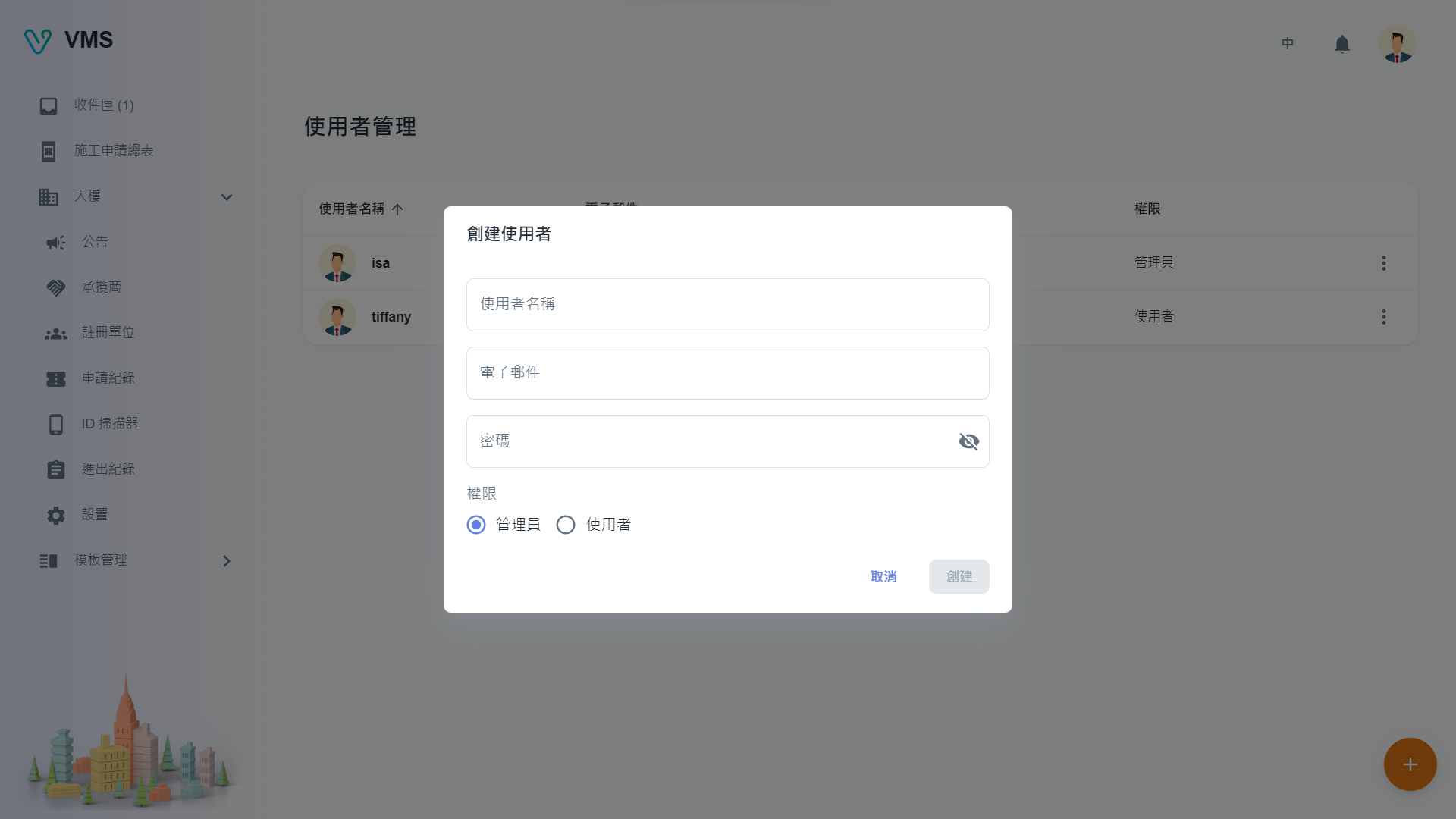
- Choose Create and enter the user name, email, password, and role. The table records whether that email has been confirmed.
- Assign the appropriate role: Administrator has building, user, and template-management access; User has the operations exposed to that role; Guest is the limited role shown by the account menu.
- Use a row’s More menu to edit a user. The saved role controls which workspace cards and actions appear.
- Use Delete only after confirming the account no longer needs access. The confirmation removes the account and cannot be undone.
https://vms.ces.myfiinet.com/bm/user-management
Troubleshooting: User Management is absent for non-administrators. If management actions are disabled, verify the signed-in email.