Review the ticket currently waiting for you
Use Inbox when an application needs your decision. It shows tickets assigned to your approval step; application tables are better for finding a record that is not waiting on you.
https://vms.ces.myfiinet.com/bm/inbox
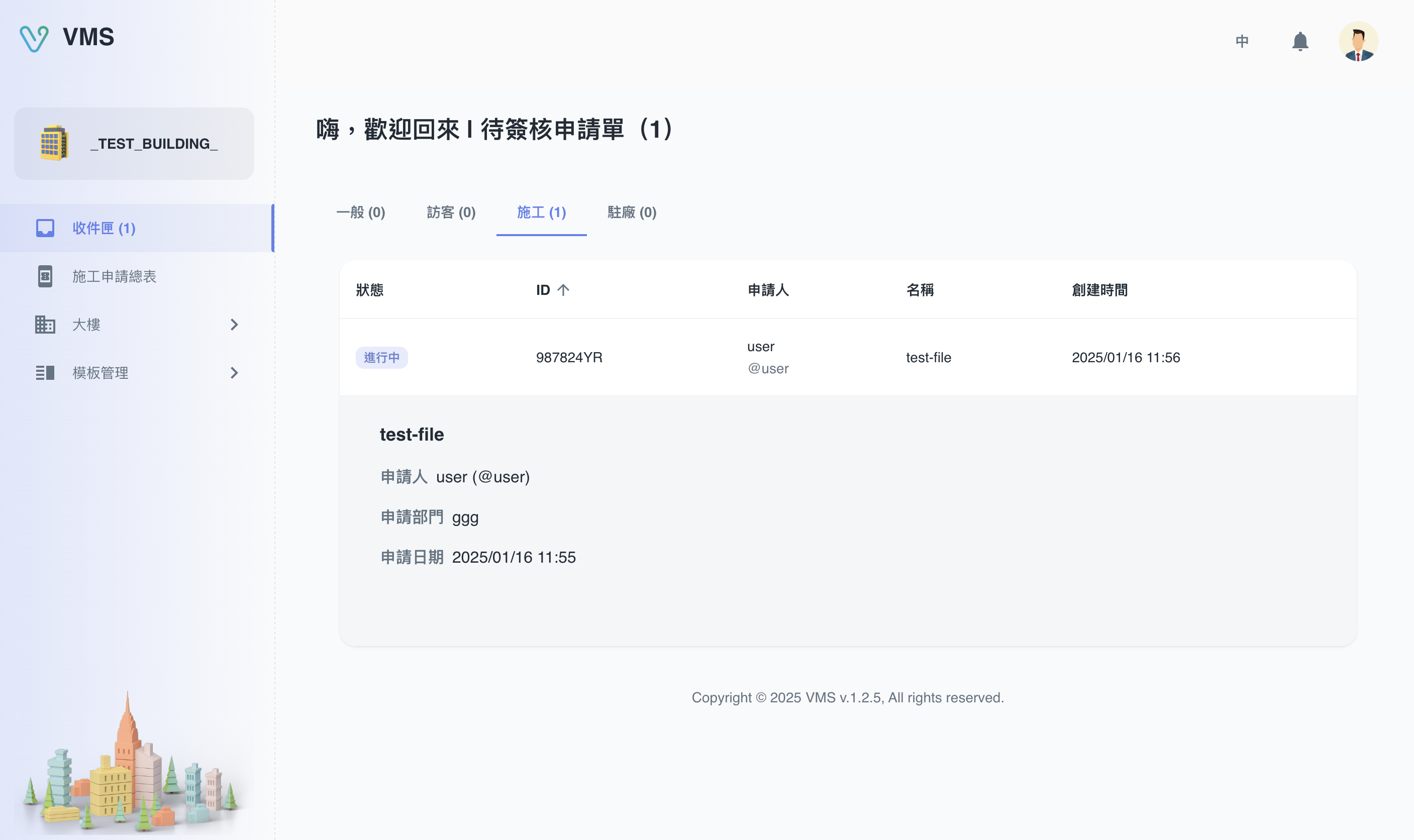
Approve, return, or reject a ticket
- Open Inbox and select the ticket. The dialog shows its form sections, attachments, and approval timeline.
- Read each required field and open relevant files. Use the timeline to see completed and upcoming steps.
- Select an available decision. If it requires a review note, enter it before submitting; review notes allow up to 30 characters.
- Submit the action. The ticket advances to the next approver, returns to the applicant, or ends according to the decision.
Show the ticket fields your team checks first
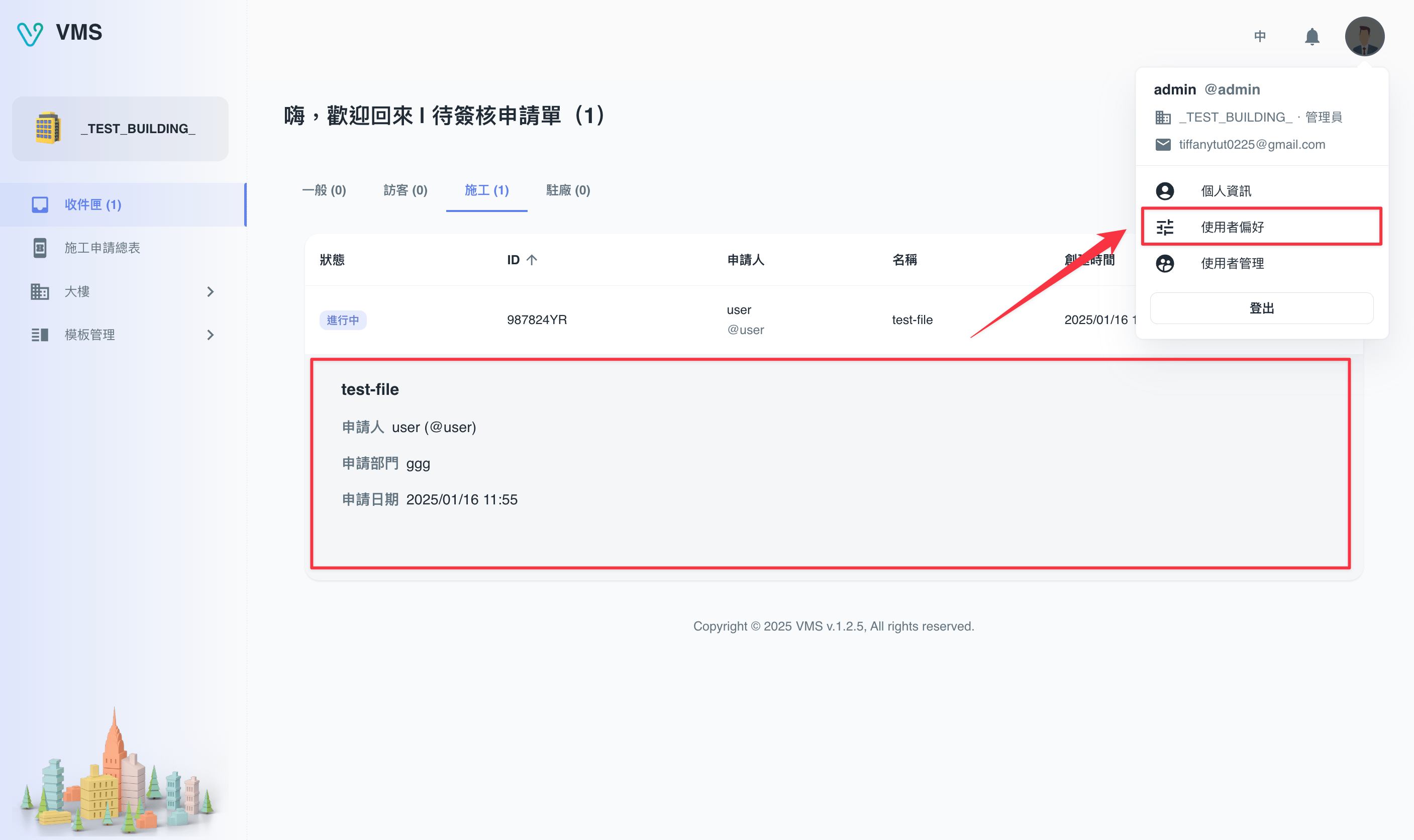
- Select your avatar and open User Preferences.
- In the Inbox section, choose a released form template and the form field to show for each ticket type; arrange the selected fields in the useful order.
- Save the preferences. Inbox adds those fields to the ticket preview without changing the ticket itself or anyone else’s preferences.
https://vms.ces.myfiinet.com/bm/inbox
Check guest pre-entry evidence
For a guest ticket, open Pre-entry requirements in the ticket dialog. It opens in a right-side drawer with a searchable, date-filterable audit list. Select View for a submitted note, then use Print in the detail dialog when you need a paper record.
The detail view loads the note, attachments, ticket form schema, and building time zone. If it cannot load or print, use Retry and confirm the note and ticket are still available.
Troubleshooting
- No decision buttons: the ticket may not be at your approval step, or your email is not verified.
- Cannot submit: complete the action-specific fields and any required review note.
- No pre-entry files: the visitor has not submitted attachments, or no requirement applies. Continue with Guest Applications.