Find a construction application and its history
Use this table when you need to locate construction or garrison tickets across the building, rather than act only on work assigned in Inbox.
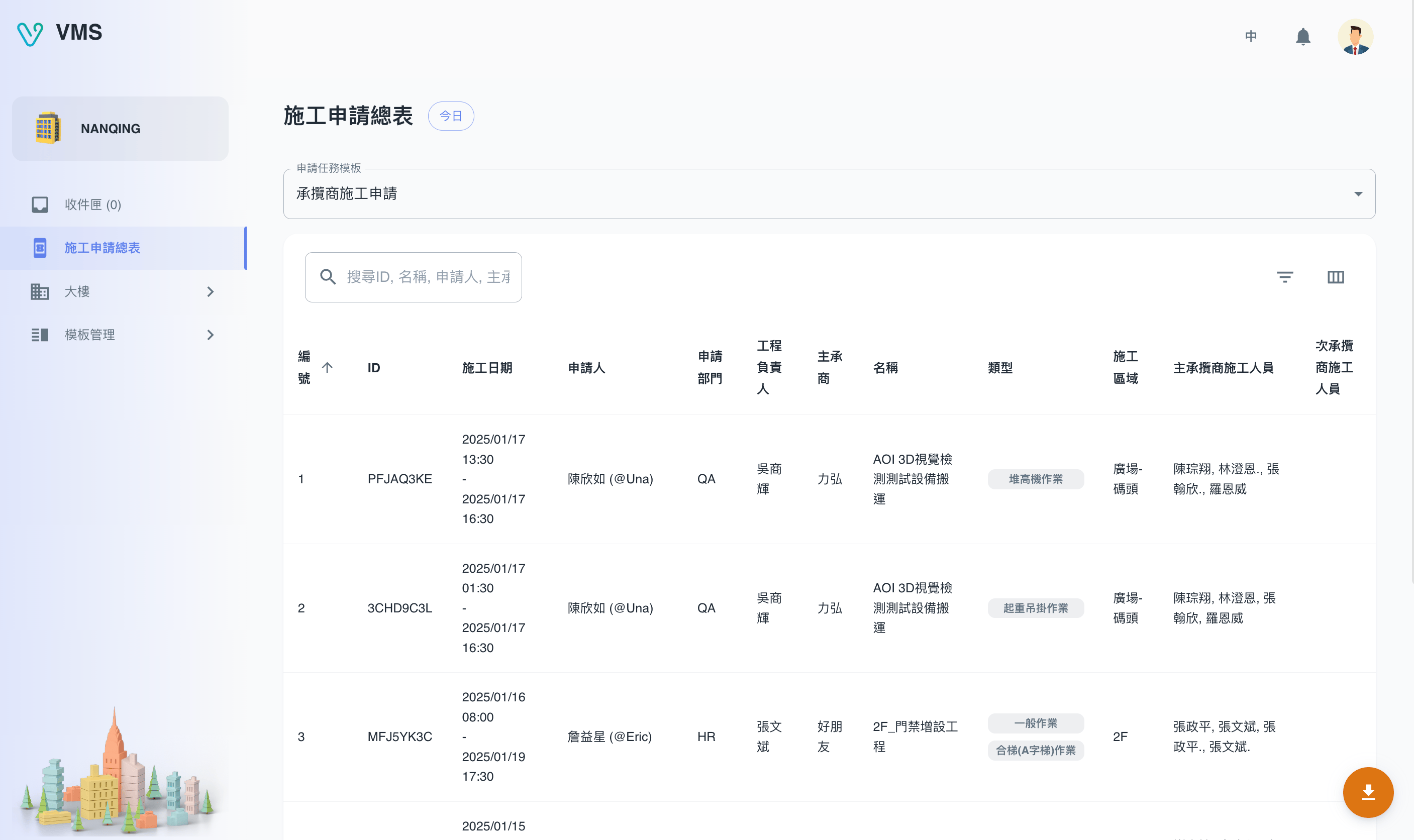
Check the selected date and search conditions before inspecting the construction personnel.
This earlier screenshot illustrates the feature. The current layout and button labels may differ.
Search before exporting
- Open Construction Applications.
- Search by ticket ID or name, applicant, main contractor, or contractor personnel. The list narrows to matching tickets.
- Set today, week, month, year, or a custom time range; you can also filter completion and whether your approval is needed.
- Open Customize columns when the list needs task, applicant, or other context. This changes only your table view.
- Export after checking the active filters. The Excel file follows the current result set.
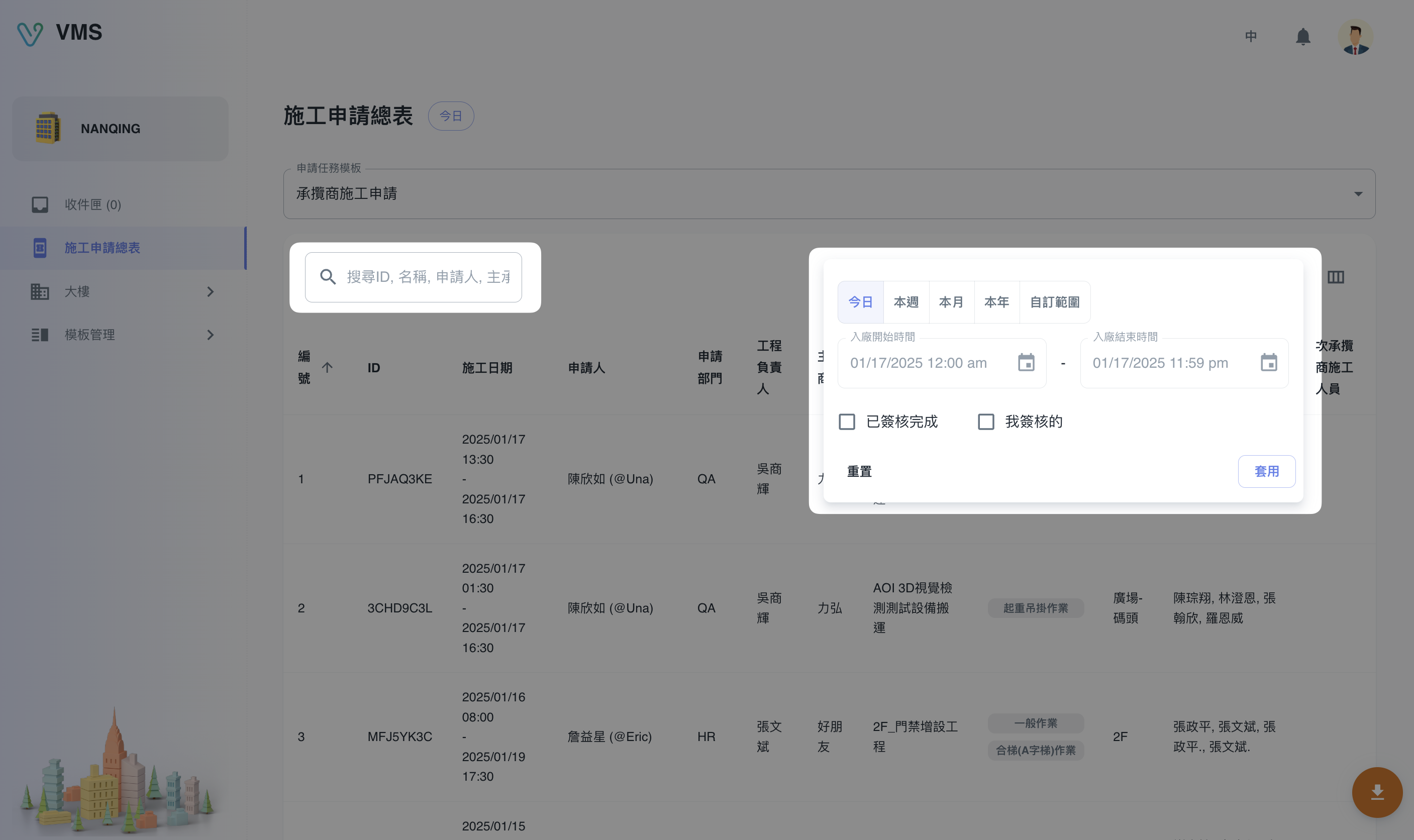
The date filter supports today, this week, this month, this year, and a custom range. The table can also filter whether approval is complete and whether the current user needs to approve. Customize columns changes only the visible table fields, while Export downloads the filtered rows to Excel.
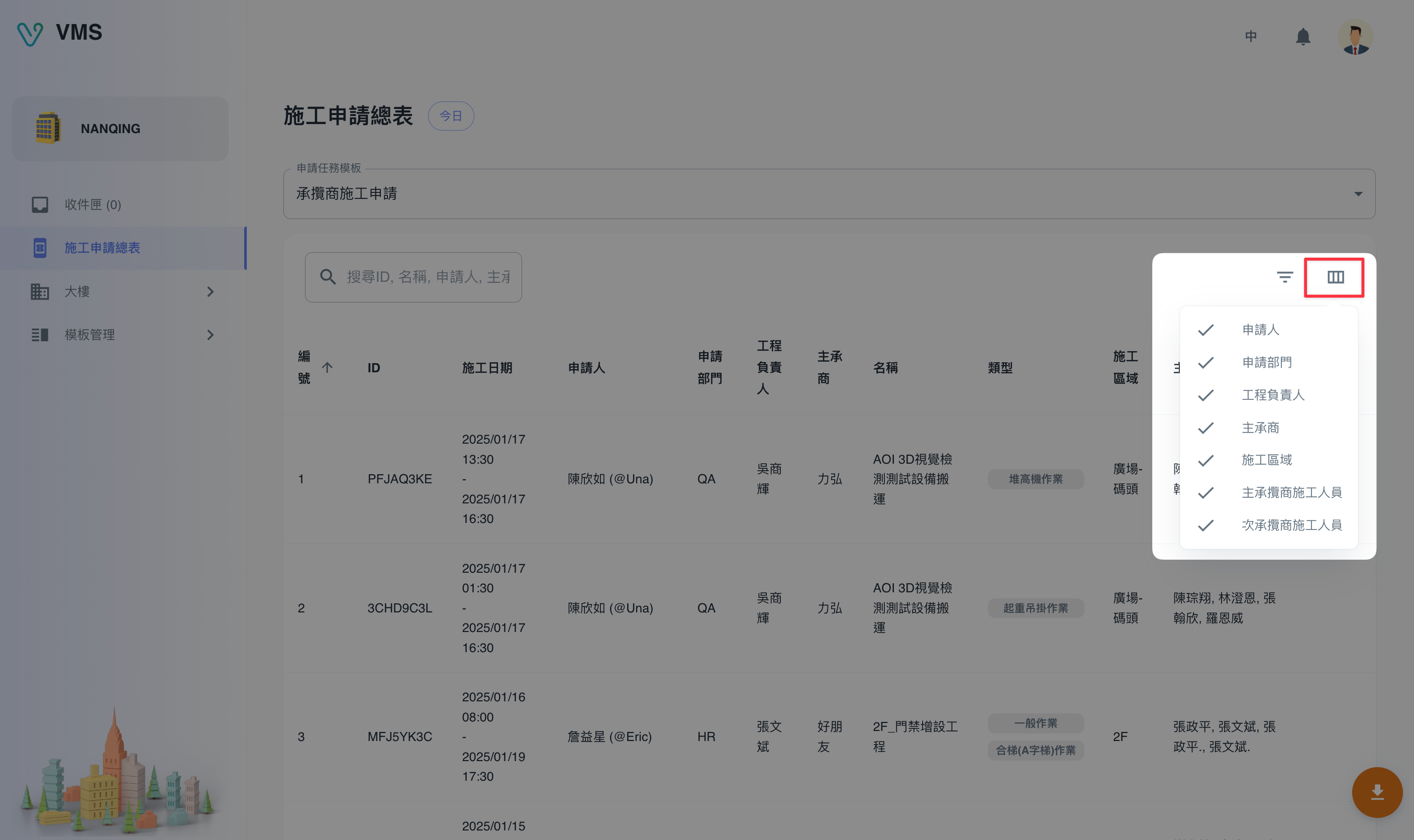
Open a result to inspect its form and timeline, then use Inbox if it is assigned to you. If personnel are unavailable to an applicant, confirm the personnel belongs to this building, is qualified, and has current required attachments in Contractors.
Troubleshooting: narrow time and status before export. If personnel cannot be found, create the contractor first, then the personnel record and qualification.