Join a building and find the information your request needs
My Buildings is the starting point for work at a particular building. It lists your joined buildings and opens each building's announcements and contractor directory.
Before you start
- Verify your email address.
- A tenant administrator is needed to submit a join-building request.
- Search with the building name or address; already joined buildings are not offered again.
Request to join a building
- 1. Find your building
- 2. Select a building
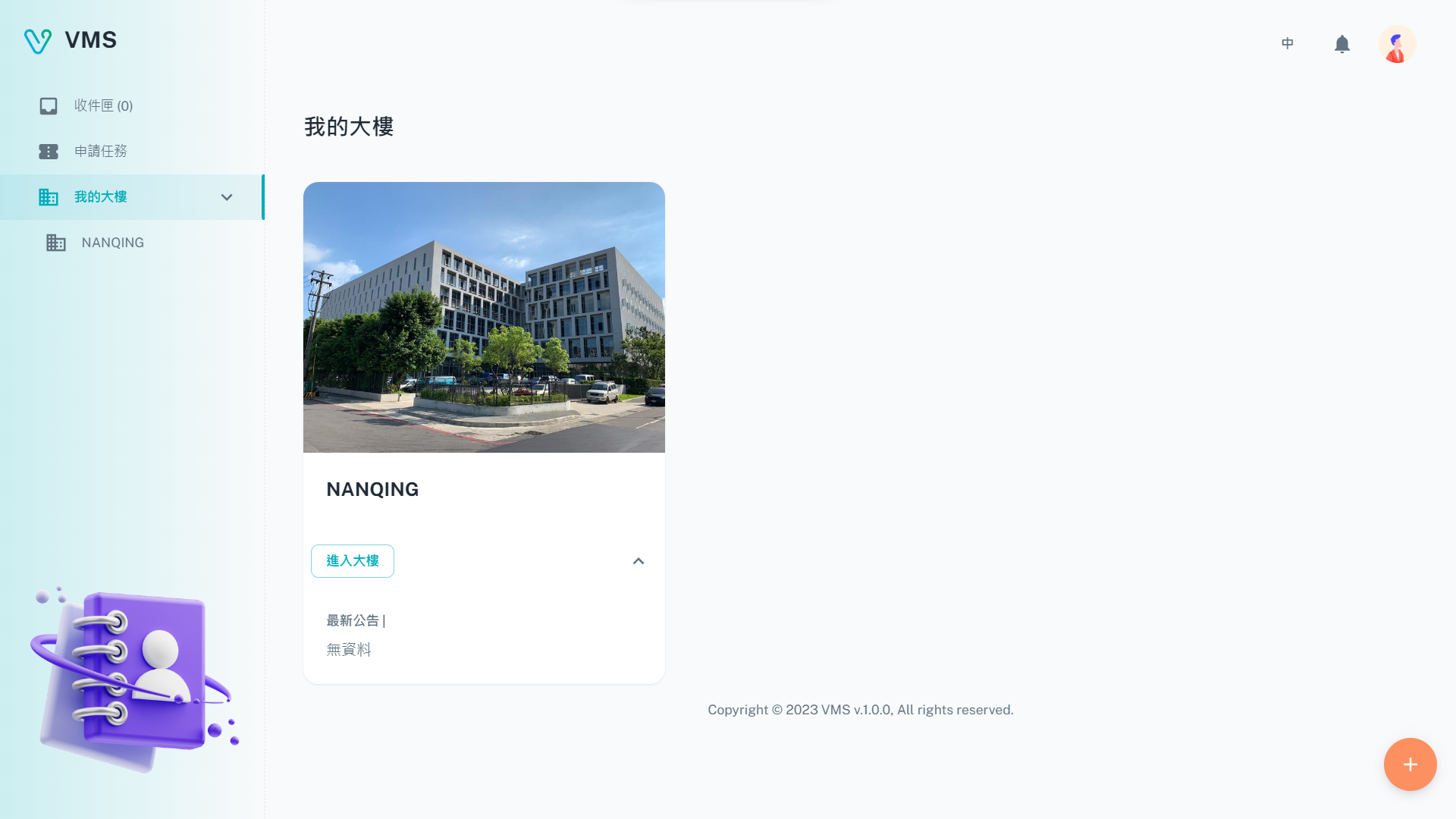
Check the building cards first. When the destination is already listed, continue with your application.
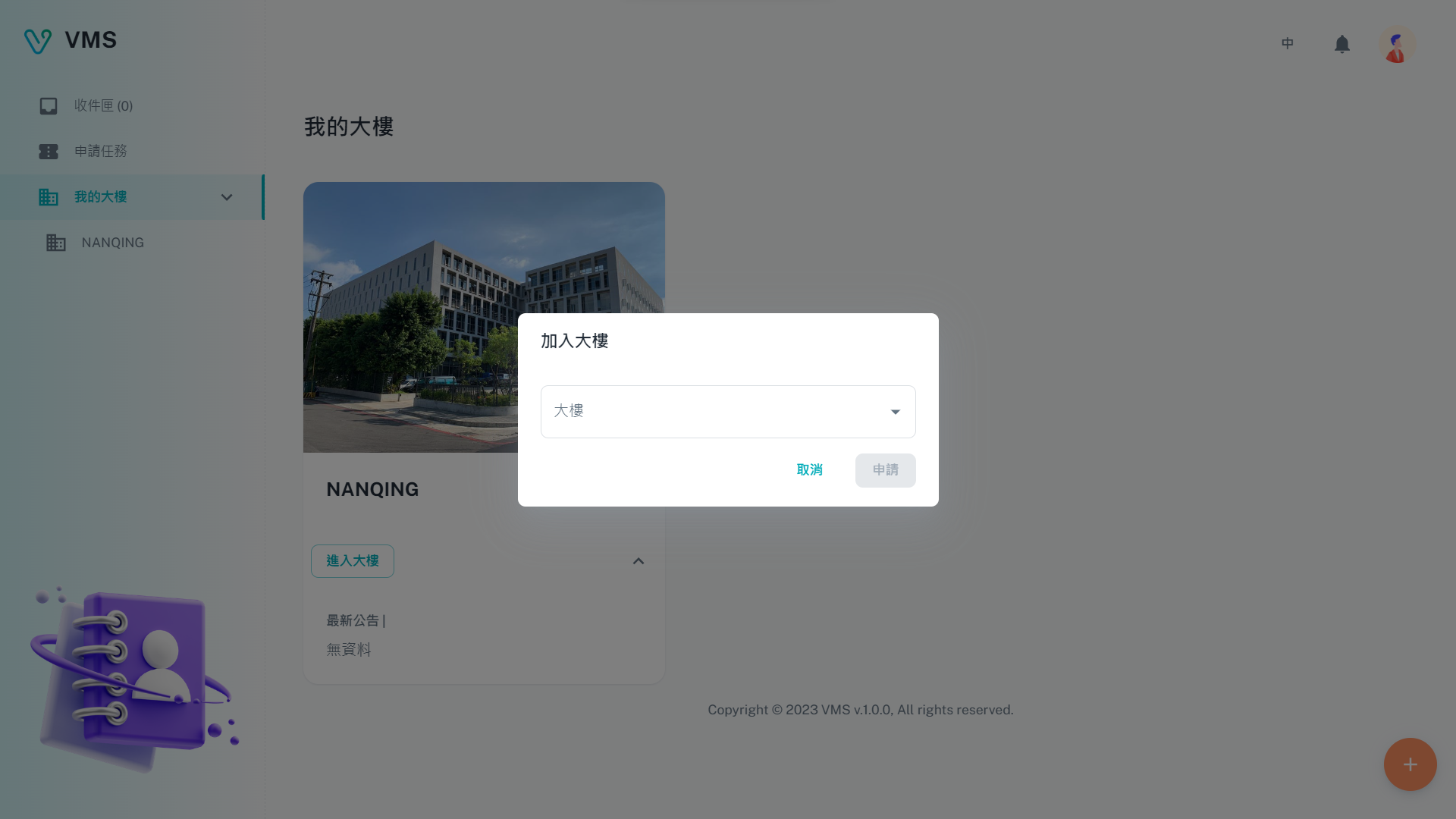
Choose the building before completing its join template. This earlier dialog shows the selection step; the current flow also requires the applicable forms.
This earlier screenshot illustrates the feature. The current layout and button labels may differ.
- Open My Buildings and select Join Building.
- Type the building name or address, then choose the matching building.
- VMS finds the building's join template and prepares the join task. Complete every visible required tab, including any conditional forms.
- Submit the task and follow the ticket in Inbox.
Outcome: after the join workflow is approved, the building appears in My Buildings. If no valid join template exists, VMS shows an error and the building manager must configure one.
Join from a building-manager invitation
When a building manager sends a Registered Units invitation, open its email link and complete registration. This route adds you to the building directly after registration; it does not create a task, ticket, or approval workflow in My Buildings.
Use the building page after joining
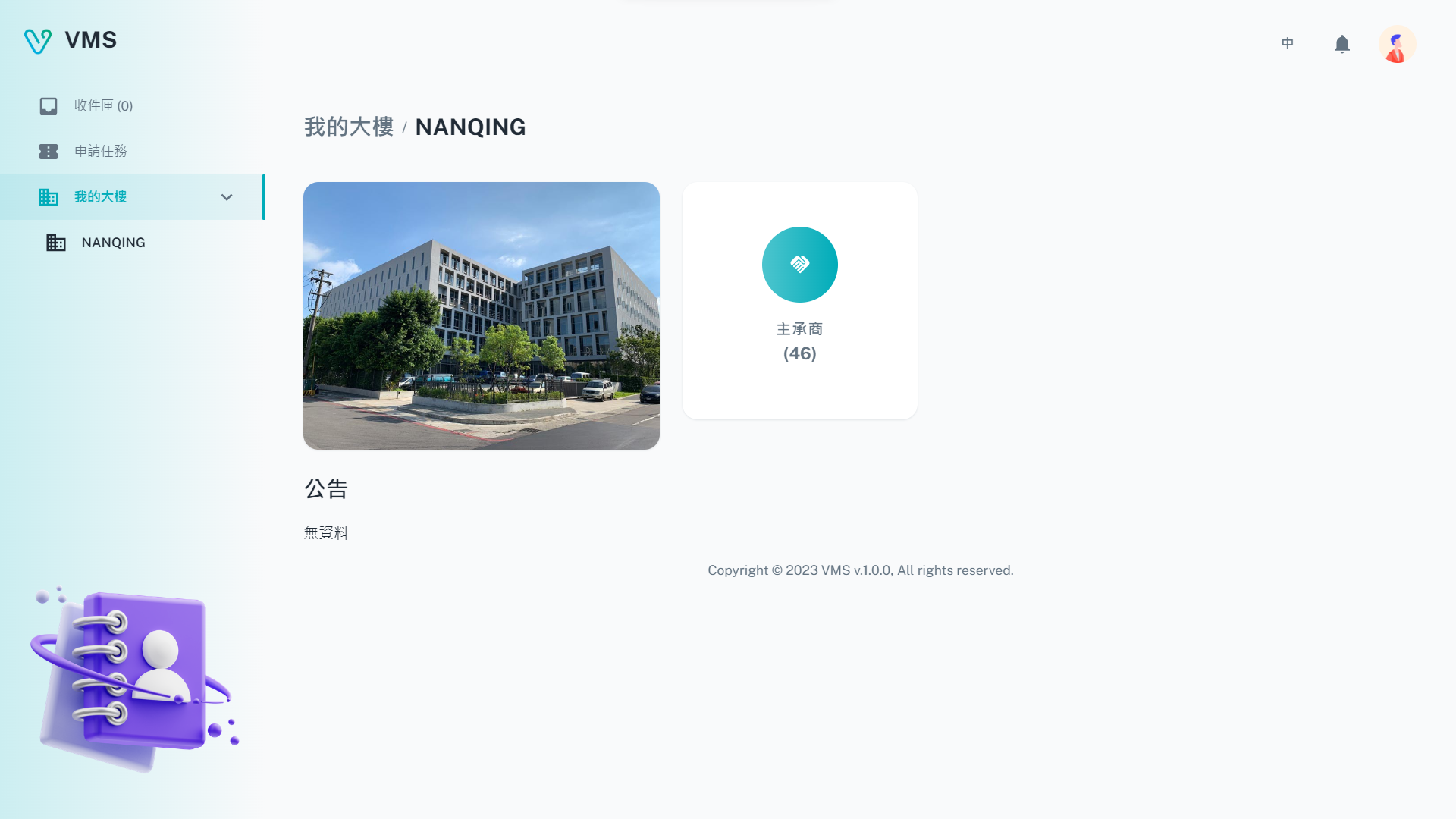
Open the building to check its announcements and available services before arranging a visit.
This earlier screenshot illustrates the feature. The current layout and button labels may differ.
- Select a building card to open its overview.
- Read announcements and open an announcement to view its details.
- Open the Contractors service to see the building's contractors and their personnel. This is useful when a construction or garrison task needs qualified personnel.
Next steps
Once the building is listed, start the access request in Tasks. Create visitor records first in My Visitors for visitor requests.
Troubleshooting
- Join Building is unavailable. Verify your email and ask a tenant administrator to submit the request.
- I cannot find a building. Search by name or address and confirm the building record with its manager.
- VMS says there is no valid task template. The building manager must provide a valid join-building template before you can submit.
- The building is not listed after submission. The join task is still in its approval workflow; check Inbox for its current state.
- I received a building-manager invitation. Complete registration from the invitation instead of submitting another Join Building request.