Publish a building notice when tenants need to see it
Use Announcements to prepare and publish building communications. Filter and sort the grid to find existing notices.
- Choose Create, add a title and content, and review the formatted text.
- Select Save to keep a draft visible only to managers, or Publish to make it available to tenant users.
- Use More > Edit to revise an existing notice, then save or publish the revision.
- Use More > Delete only after confirming it is no longer needed. The deletion confirmation is irreversible.
If tenants cannot see a notice, confirm that it was published rather than saved as a draft. Continue to Registered Units to check whether their unit has joined the building.
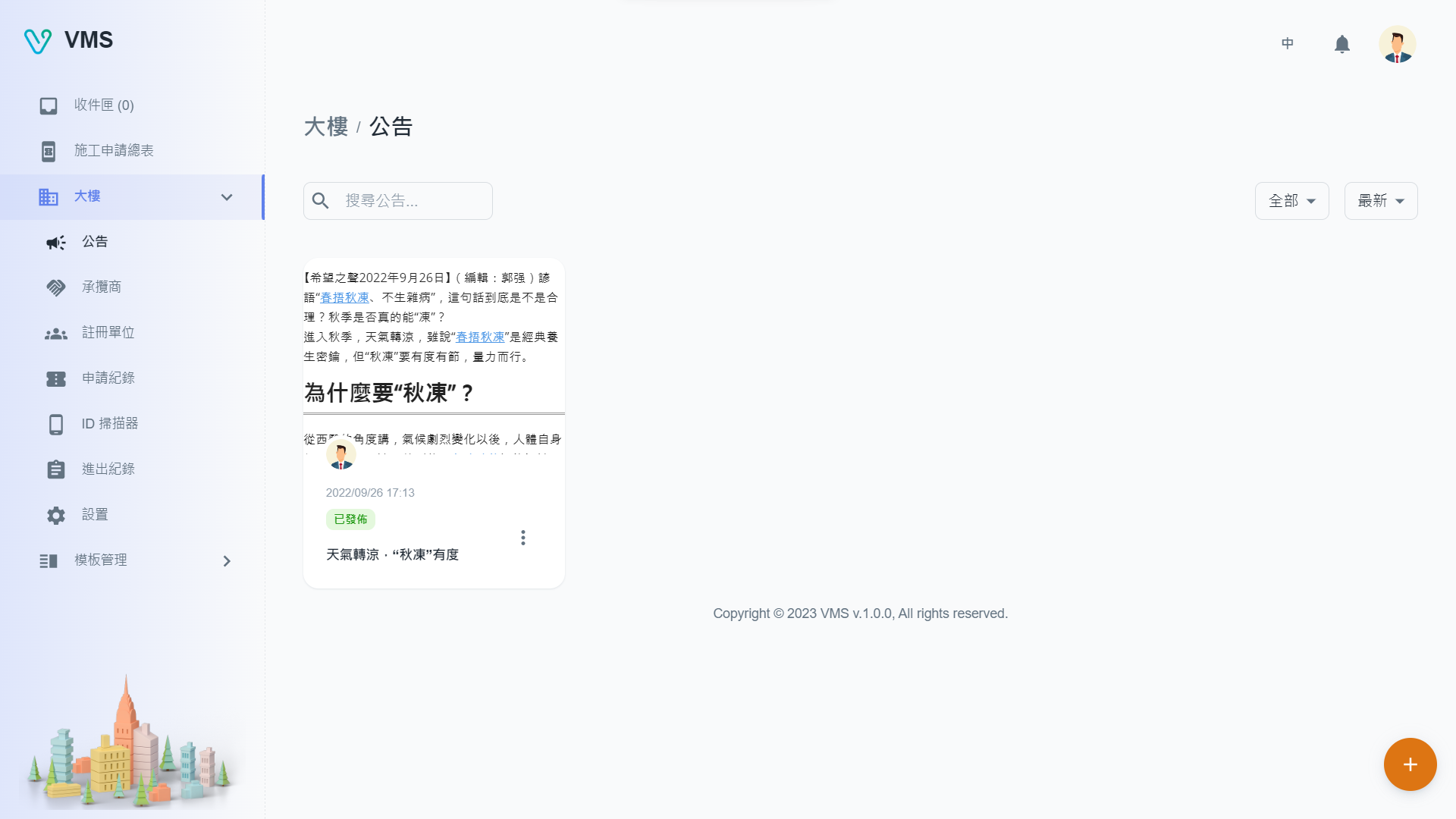
Find the building announcement and confirm its content and status before publishing or changing it.
This earlier screenshot illustrates the feature. The current layout and button labels may differ.